Resident-Initiated
No community administrator can activate biometric access on a resident's behalf. The resident initiates it — from their own ADDA app, on their own schedule.
ABRA is ADDA's proprietary biometric framework — built around one principle: residents stay in complete control of their biometric data, always. Activate from your phone. Access every door. Delete anytime.
ADDA's Proprietary Biometric Framework
ABRA is the proprietary technology powering face-based access at ADDA communities across India, UAE, Mauritius and beyond.
At its core, ABRA is built around three commitments: residents activate their biometric on their own terms, residents always know exactly where their biometric is being used, and residents can withdraw their consent at any time with immediate effect.

No community administrator can activate biometric access on a resident's behalf. The resident initiates it — from their own ADDA app, on their own schedule.
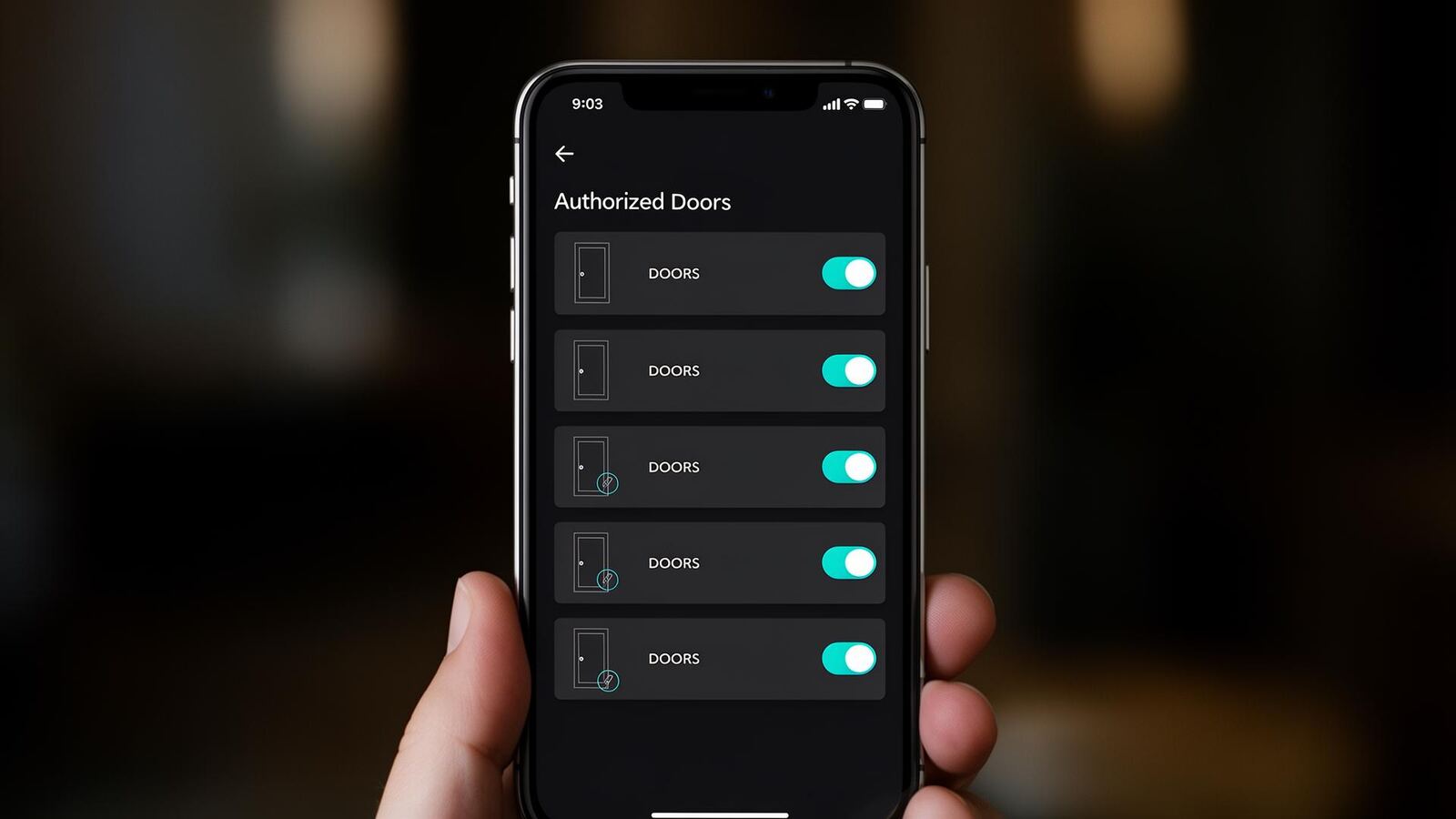
Residents see exactly which doors their biometric is active on — at all times, from the ADDA app. No hidden activations.
Residents can withdraw biometric consent from the ADDA app at any moment. Data is deleted from the server and every access device — immediately and permanently.
Your biometric is encrypted the moment it is captured — before it ever leaves your device or reaches any server.
On the server and on every access device, your biometric exists only as a double-encrypted string — never as an image, never as a recognisable data point.
The encrypted data and the decryption key are never stored in the same location — a standard security practice that makes unauthorised decryption virtually impossible.
From Your Phone to Every Door
 Step 1
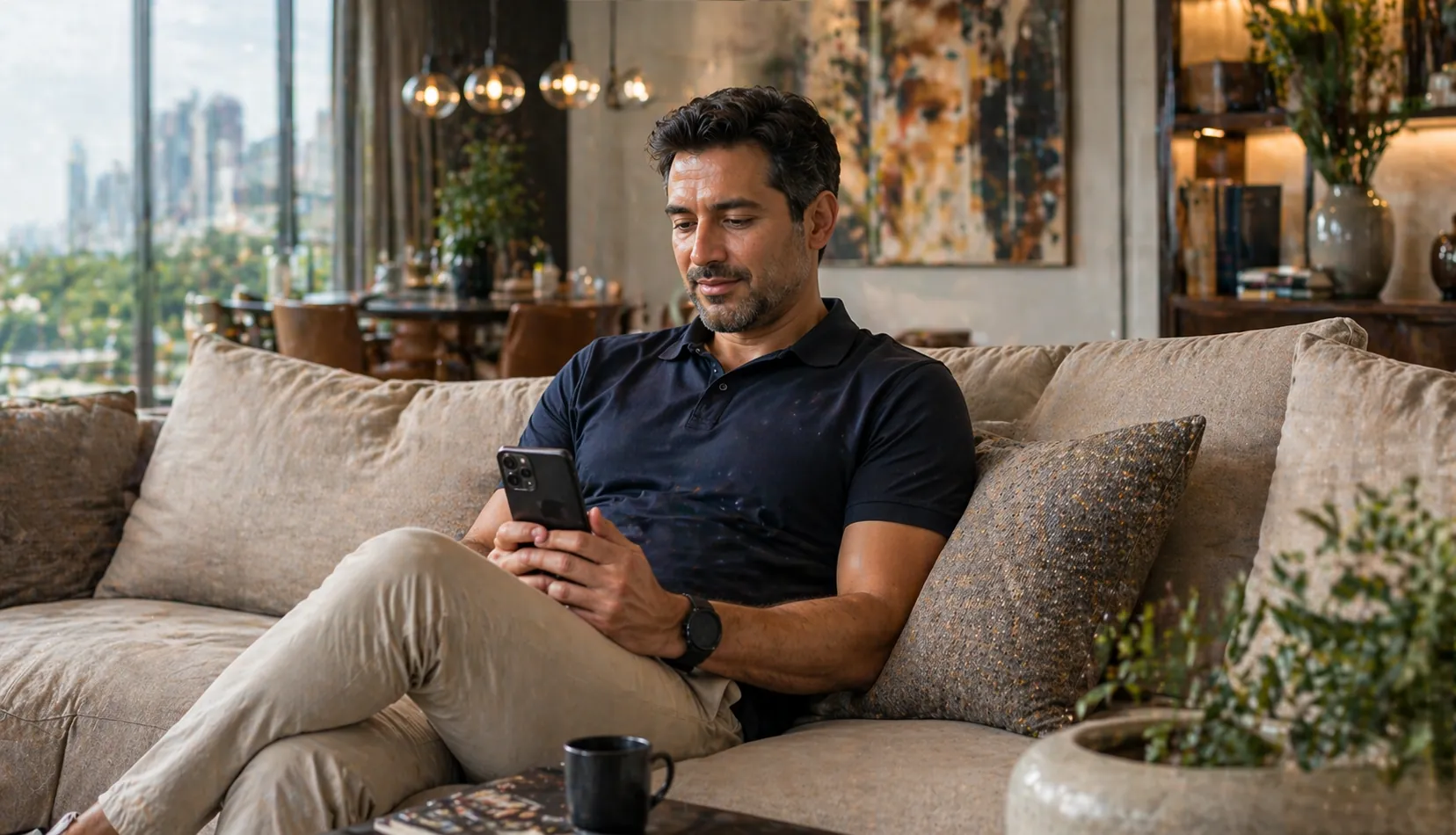
Open your ADDA app. Go to your Resident ID. Tap to activate your face biometric. No visiting the clubhouse reception. No paper forms. No device visit of any kind. Done in under a minute, from anywhere.
 Step 2
Before confirming, you see exactly which doors your face will be authorised for. You are in complete control of what you are consenting to. No surprises, no hidden activations.
 Step 3
The moment you confirm, your biometric is captured and immediately encrypted at source — before it leaves your device. It is deployed as a double-encrypted string to every authorised access point. Never as an image. Never as anything recognisable.
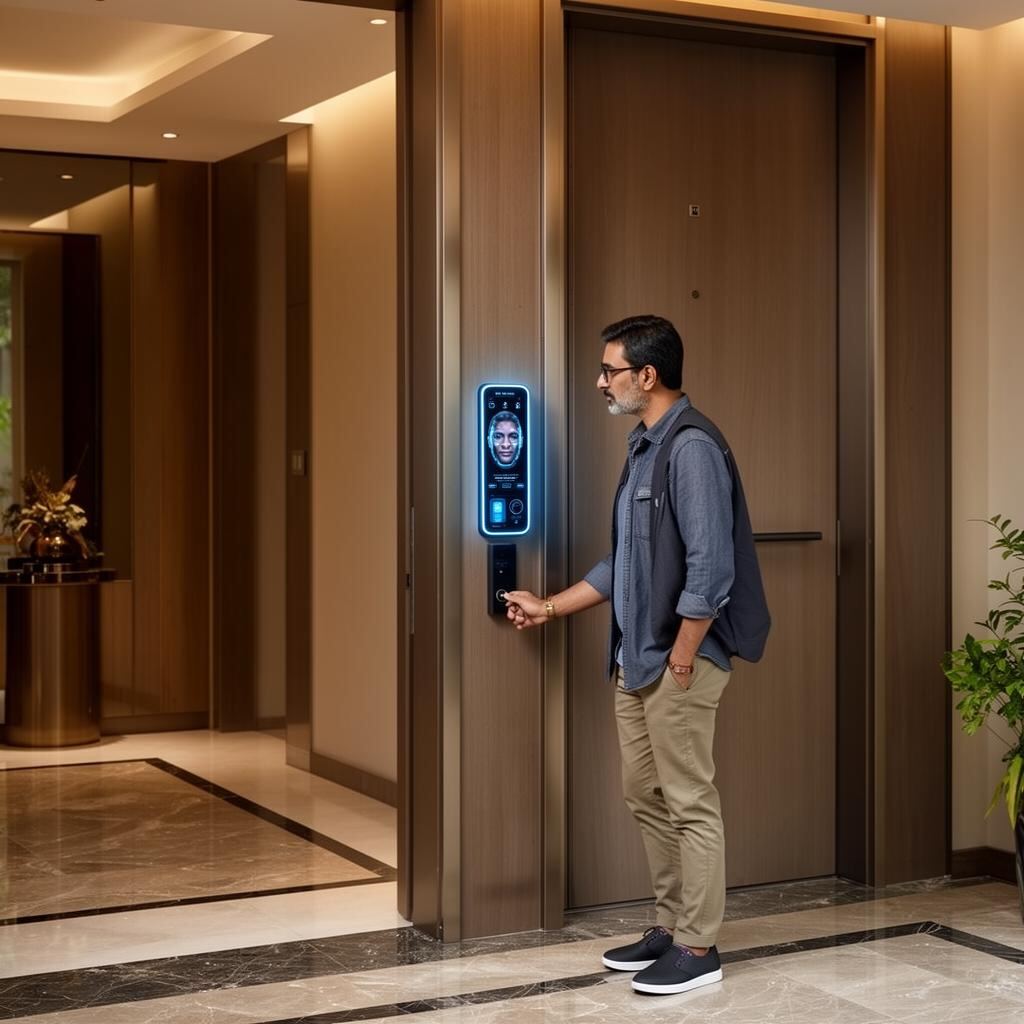 Step 4
From this moment, every AccessHub device you are authorised for recognises your face and opens the door. Instantly. Automatically. Every time you approach.
Privacy & Compliance
Global Personal Data Protection Acts places specific obligations on organisations that collect and process biometric data. ABRA is built from the ground up to meet — and exceed — these requirements.
Residents provide explicit, informed consent before any biometric data is collected. They can access, review, and delete their data at any time. The community management committee cannot override a resident's data consent decision. And every data processing activity related to biometrics is logged and auditable.

Biometric activation requires explicit, informed consent from the resident — initiated by them, not imposed by the community.
Residents can view exactly what biometric data is held about them and which access points it is active on — from the ADDA app at any time.
Residents can request deletion of their biometric data at any time. ABRA deletes it from every server and device immediately — no waiting period, no manual follow-up.
Every biometric consent action — activation, review, withdrawal — is logged with timestamp and available for compliance review.
Why ABRA Is Different
| Feature | Traditional Biometric System | ABRA |
|---|---|---|
| Registration | Visit each device in person | Activate once from the ADDA app |
| Data Storage | Face image or template stored on device | Double-encrypted string — never an image |
| Consent | Usually implicit or paper-based | Explicit digital consent in ADDA app |
| Consent Withdrawal | Manual, device by device | One tap — deleted from all devices instantly |
| DPDP Compliance | Often not addressed | Built from ground up for DPDP compliance |
| Sync Across Doors | Separate registration per device | Auto-synced to all authorised doors |
| Resident Visibility | None | Full — residents see every active door |
Talk to our team for a full walkthrough of the ABRA biometric framework — activation, encryption, privacy controls, and deployment across your community.
Explore Technology →